My creations
Your board is empty
Generate images, video, and audio, then keep them organized here.
Start by describing what you want in the prompt box above, or pick one of the samples on the right.
Turn imagination into a finished clip
Describe the subject, camera, and mood to turn a cinematic, anime, or ad idea into a playable video.


Intelligent models
Match every idea with the right model
From quick drafts to cinematic shots, choose the video model that fits the job. Describe the subject, camera move, and atmosphere, then let the model resolve motion, lighting, and timing.
Creative freedom
Move freely between cinematic and stylized looks
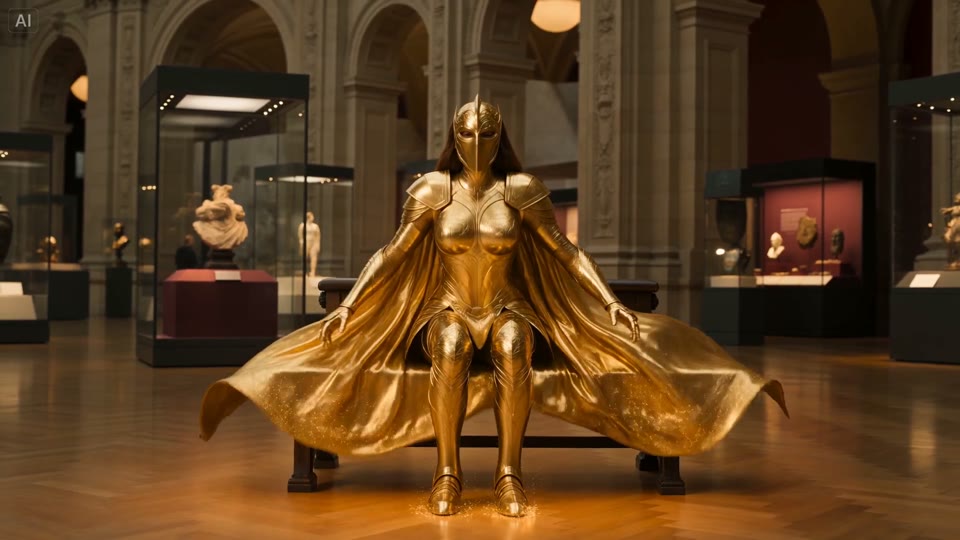
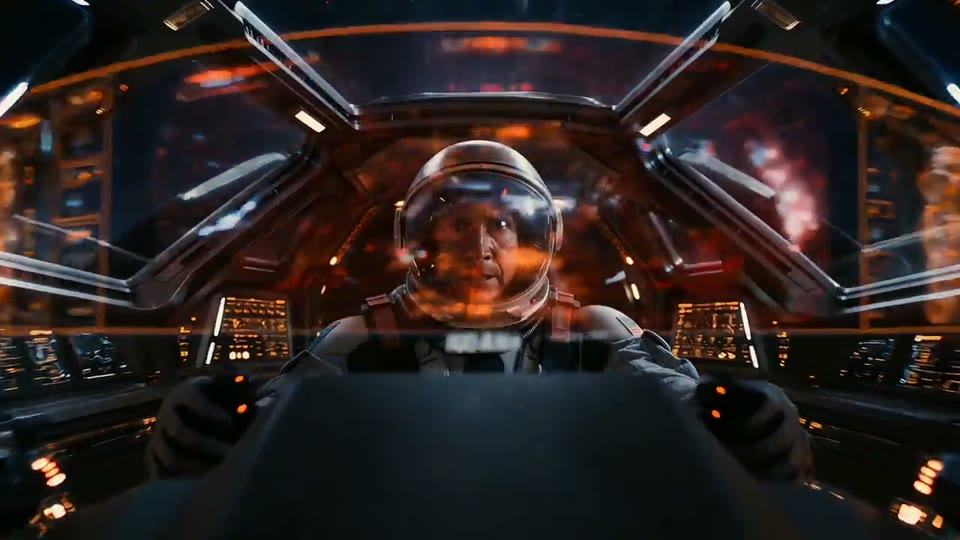
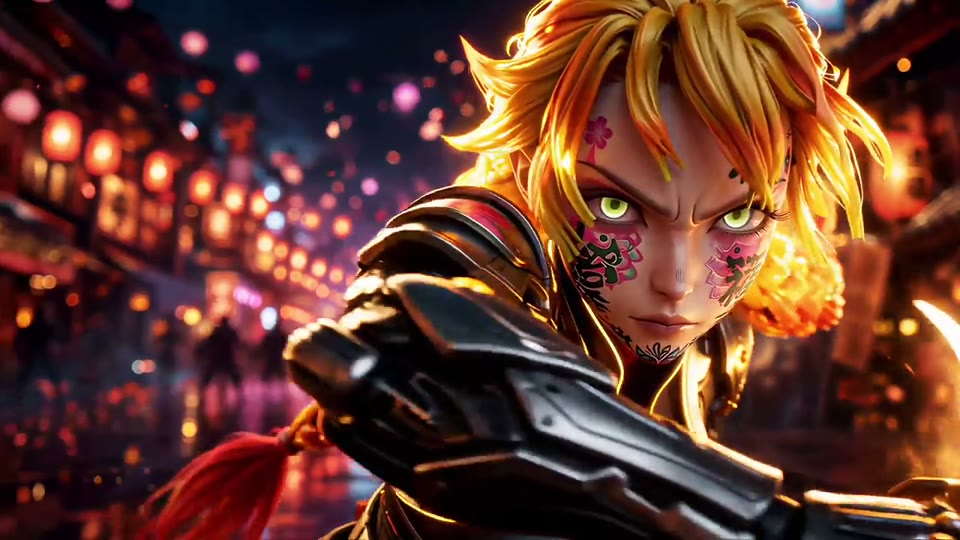
Explore museum fantasy, interstellar tracking, lantern-street action, and more. Use prompts and optional references to shape the character, camera, and overall atmosphere.
Polished output
Watch the details, then download
Create crisp, detailed clips for social posts, ads, and concept work. Preview and download finished results directly from My creations.
Video examples
Tap a clip to load its prompt into the generator.
Turn imagination into visible artwork
Describe a character, scene, and style to turn your anime world or collectible idea into a polished image.
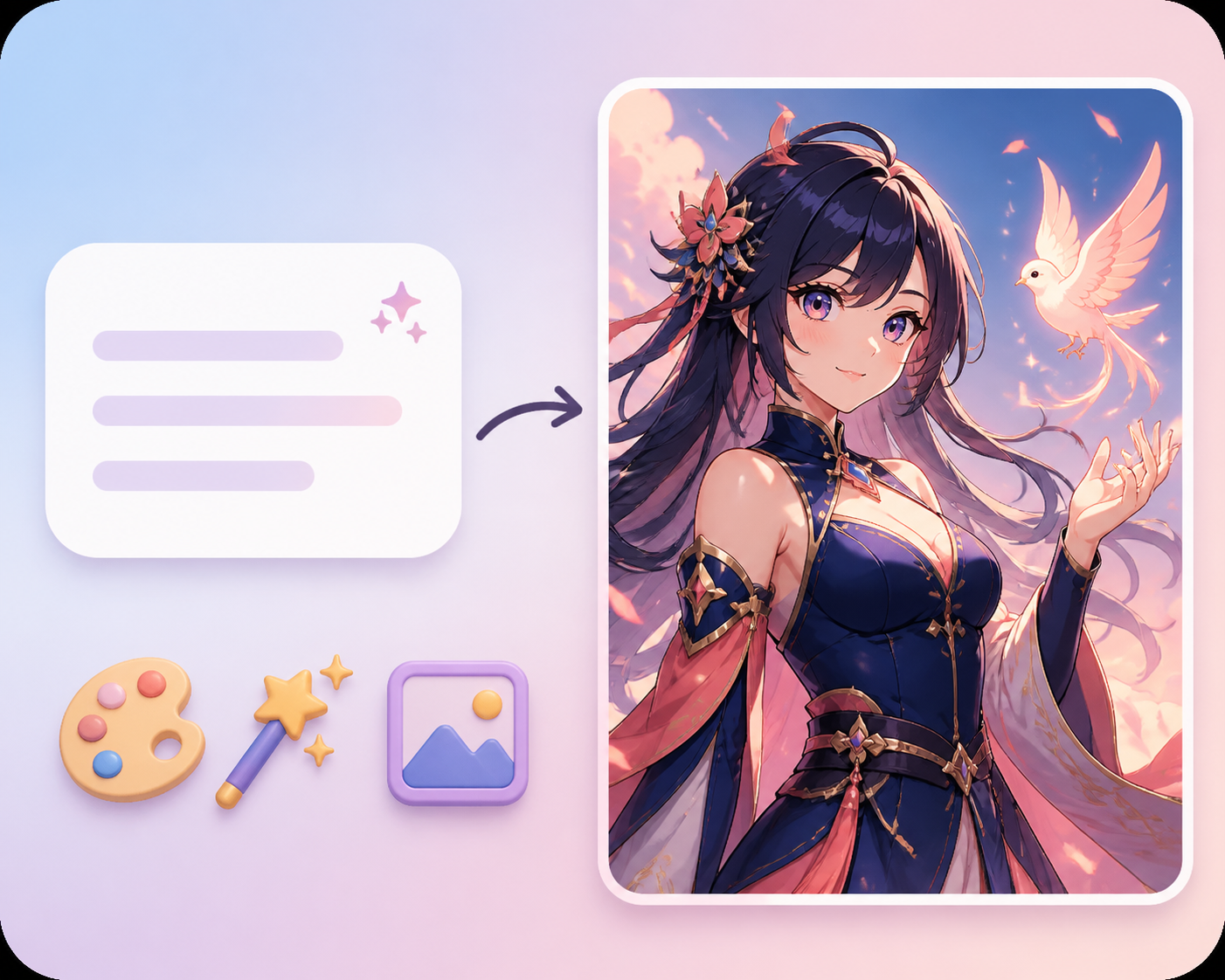
Intelligent models
Match every idea with the right model
From quick ideas to polished artwork, choose the image model that fits the job. Describe the subject, composition, and mood, then let the model resolve lighting, materials, and detail.
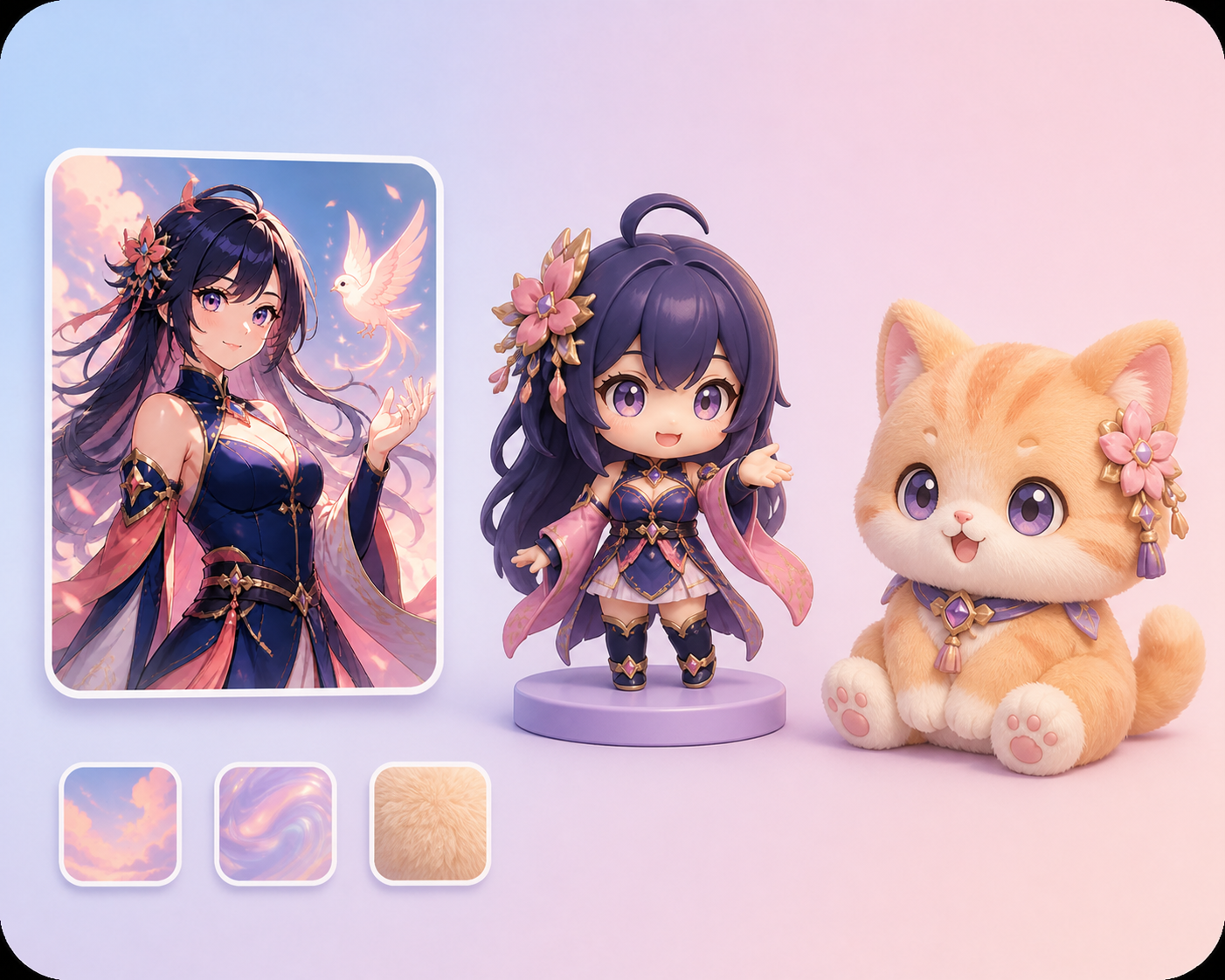
Creative freedom
Move freely between anime and toy styles
Explore anime illustration, chibi figures, plush characters, and more. Use prompts and reference images to shape the character, material, palette, and overall atmosphere.
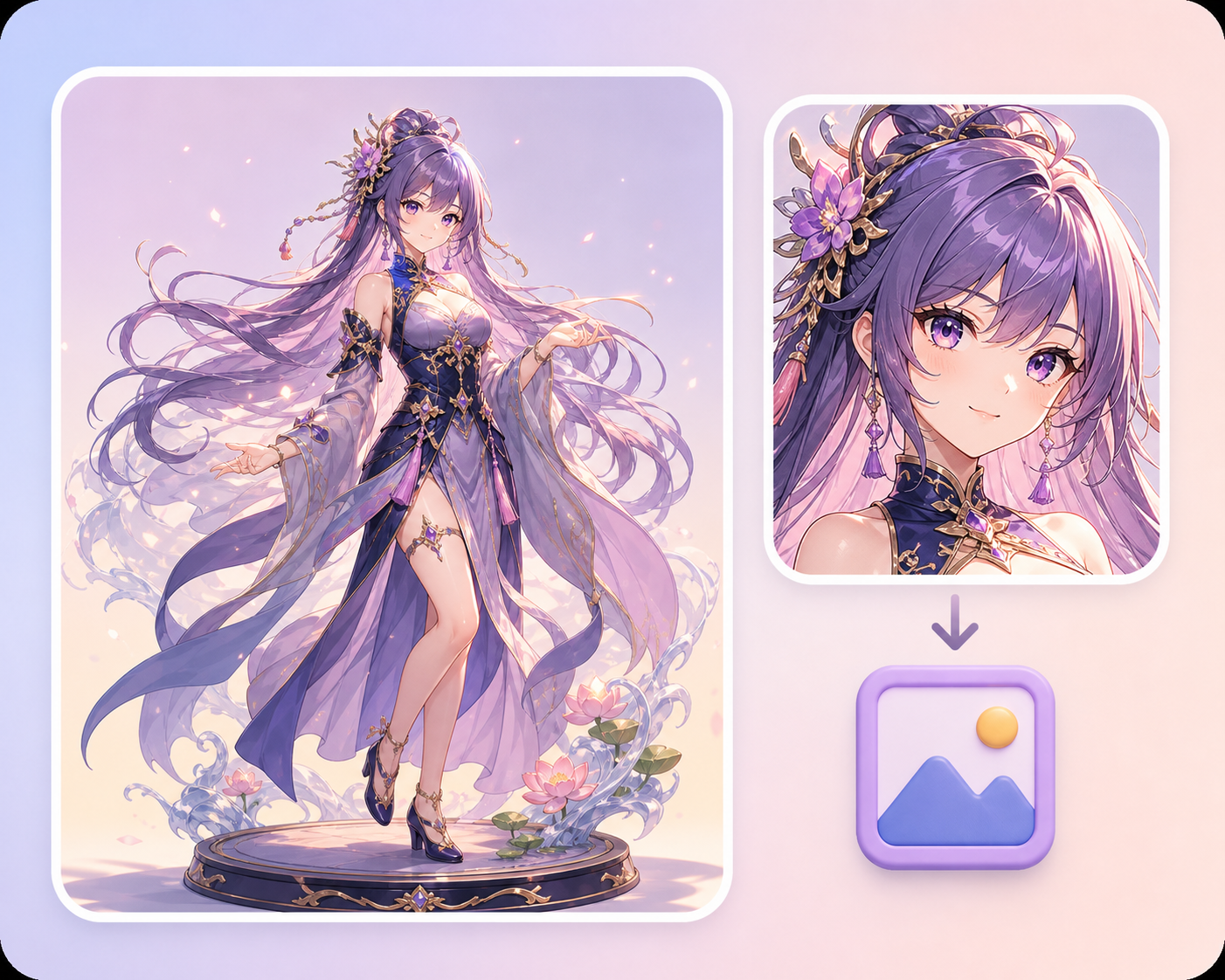
Polished output
Inspect the details, then download
Create crisp, detailed artwork for avatars, social posts, design concepts, and creative assets. Preview and download finished results directly from My creations.
Image examples
Tap a still to load its prompt into the generator.
How to use
Create in six simple steps
Follow the highlights: pick a mode and model, add references, write a prompt, set size, then send to generate.
Describe what you want to create…
Creation mode
Switch between image, video, and audio modes to match the kind of content you want to create.
AI ImageAI Video AI Audio
 Seedance 2.5